Approx. read time: 3.9 min.
Post: Layout and Design with division tag: div
HTML < div > Tag – Detailed Lesson Plan
Objective
By the end of this lesson, students will:
- Understand the purpose of the
< div >tag. - Know how to use it for structuring HTML pages.
- Apply the
< div >tag effectively in web development for layout and styling purposes.
Lesson Outline
- Introduction to the
< div >Tag - Basic Usage
- Styling with
< div >(CSS) - Positioning and Layout using
< div > - Nesting
< div >Elements - Common Use Cases of
< div > - Difference between
< div >and other HTML elements - Final Assignment
- Answer Key
1. Introduction to the < div > Tag
The < div > tag is a block-level HTML element used to group and organize other elements. It doesn’t add any visible change on its own; rather, it’s used as a container to style, position, or manipulate groups of elements using CSS or JavaScript.
- Block-level: It starts on a new line and stretches to fill the width of its container.Example:
2. Basic Usage
In its simplest form, the < div > tag can be used to group content together.
Example 1: Simple Grouping
Explanation: The < div > groups the heading and paragraph together, allowing us to later style or manipulate them as one entity.
3. Styling with < div > (CSS)
Although the < div > tag itself has no default visual styles, you can use CSS to style it.
Example 2: Styling a < div >
- Background color: The
background-colorproperty changes the background color of the div. - Padding: Adds space inside the div.
- Border: Adds a solid black border around the div.
4. Positioning and Layout Using < div >
The < div > tag is crucial in CSS layouts. You can control its position using CSS properties like margin, padding, float, display, and CSS Grid or Flexbox.
Example 3: Using Flexbox for Layout
Here, Flexbox is used to create a two-column layout where the “Right Side” takes twice the space as the “Left Side”.
5. Nesting < div > Elements
You can nest <div> tags inside one another to create complex structures.
Example 4: Nested < div >
Explanation: The outer div contains two inner divs, each styled differently. Nesting allows for more structured content and layout designs.
6. Common Use Cases of < div >
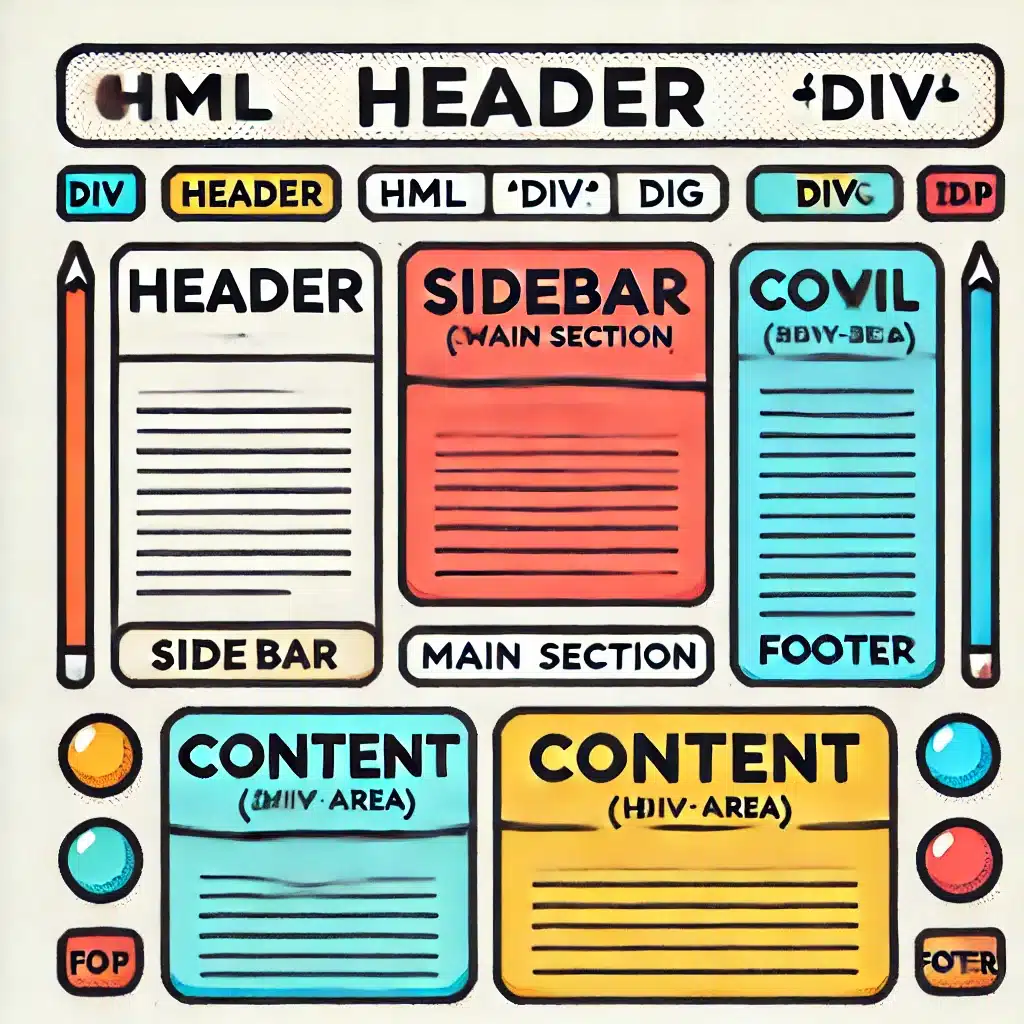
- Page Layouts: Structuring sections of a webpage like header, footer, sidebar, and main content.Example:
- Containers for Styling: Grouping elements for applying consistent styles.
- JavaScript Manipulation: Wrapping elements inside a div allows JavaScript to manipulate all of them at once, such as showing/hiding a section of the page.
7. Difference Between < div > and Other HTML Elements
The < div > tag is a general-purpose container, while other HTML elements (like < section >, < article >, < header >, etc.) have specific meanings and should be used where semantics matter.
For example, prefer < header > for the top section of a page and < article > for an independent piece of content.
Example 5: Using a < section > instead of a < div >
In this case, using a < section > provides semantic meaning, which can be useful for accessibility and SEO.
8. Final Assignment
Task: Create a simple webpage using the < div > tag to structure the layout and apply basic styling.
- Create a layout with three sections: a header, main content area, and footer.
- The main content area should be split into two columns using Flexbox: a sidebar and a content section.
- Style the header, footer, sidebar, and content area with different background colors.
- Make sure the layout is responsive, so the sidebar stacks on top of the content area on smaller screens.
HTML Structure Example
9. Answer Key for the Assignment
- Header, Footer, and Main Layout:
- Header and footer are styled with background colors and centered text.
- The main layout uses Flexbox to create a two-column layout for the sidebar and content.
- Flexbox for Responsive Design:
- On smaller screens, the
@mediaquery ensures that the sidebar and content stack vertically, providing a mobile-friendly layout.
- On smaller screens, the
- Additional Styling:
- Padding is added for better spacing, and the background colors visually differentiate the sections.
Next Steps
a. Practice by creating different layouts using < div > and CSS Grid.
b. Add some interactivity using JavaScript, like showing/hiding sections.

Related Posts






The Longevity Blueprint: AI-Powered Health Optimization
About the Author: Bernard Aybout (Virii8)